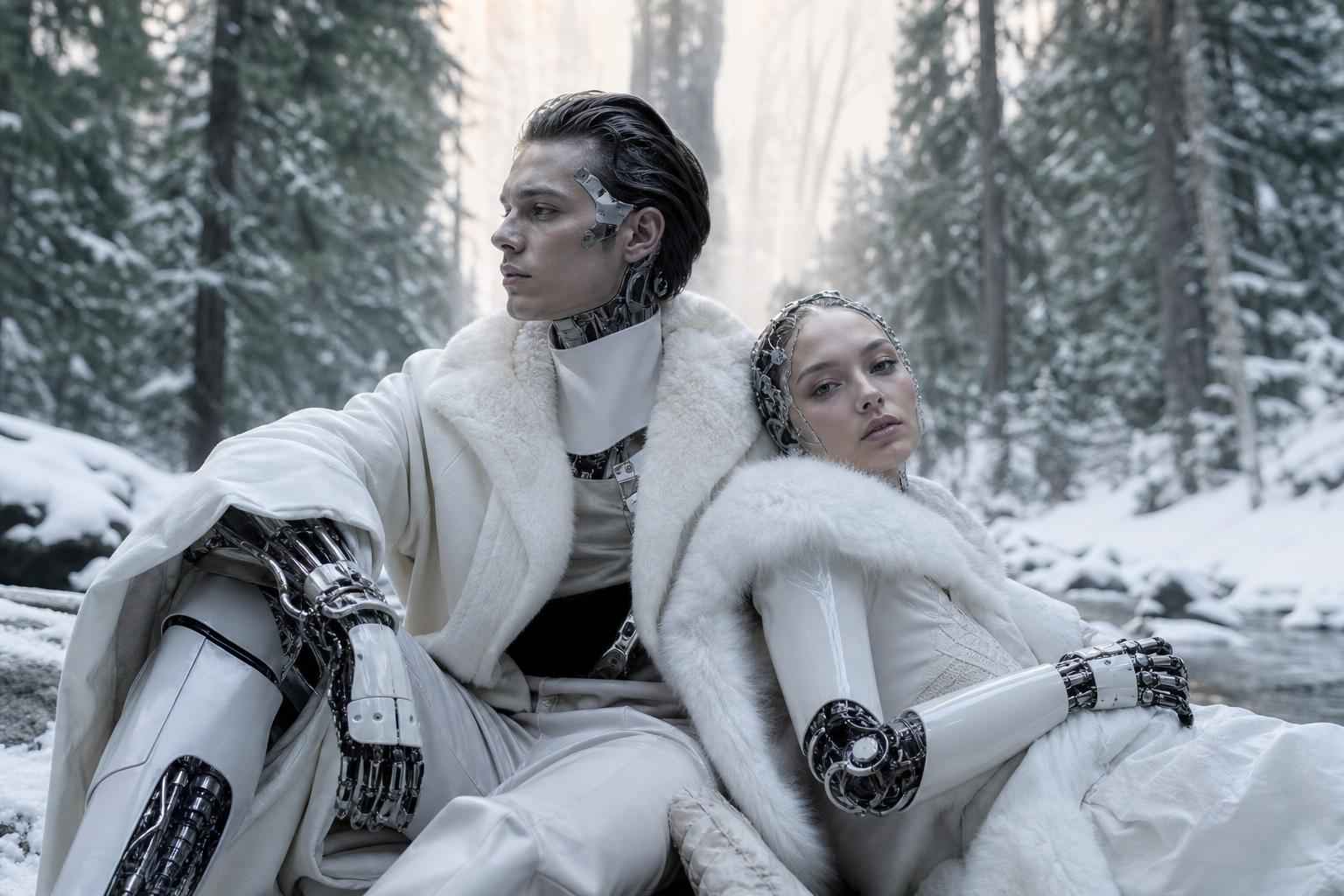
Google Veo Tips and Tricks: How to Write Better Prompts for AI Video
Focused keyphrase: Google Veo tips and tricks
SEO keywords: AI video prompts, how to write better prompts for AI video, Google Veo prompt writing, AI video generation, video prompt engineering, cinematic AI video
There is a big difference between asking an AI video model to “make a cool video” and directing it like a world-class filmmaker. That difference is not luck. It is prompt craft.
As AI video tools become more powerful, one truth is becoming impossible to ignore: the people who get the best results are not always the people with the biggest budgets. They are the ones who know how to communicate clearly with the model. That is exactly where Google Veo tips and tricks become a competitive advantage.
Whether you are a brand leader, creative director, marketer, founder, or agency team, better prompting can mean sharper storytelling, less wasted time, and more content that actually moves people. And in a market full of generic outputs, that matters more than ever.
Google’s broader AI ecosystem has shown how seriously the company is investing in generative media and multimodal creation. You can explore Google’s own updates on generative AI through resources like Google AI updates and DeepMind’s work at Google DeepMind. The rapid progress across AI video also mirrors wider industry movement reported by trusted sources including MIT Technology Review, The Verge AI coverage, and OpenAI research and product updates.
So how do you write prompts that produce videos that feel intentional, cinematic, on-brand, and worth sharing? Let’s get into what actually works.
Why Prompt Writing Matters More Than Most People Think
Prompt writing for AI video is often treated like a technical afterthought. It should be treated like creative direction. A prompt is not just an instruction. It is a briefing, a storyboard seed, a visual treatment, a mood reference, and a production shortcut all at once.
The strongest AI video outputs usually come from prompts that answer key production questions:
- What is happening?
- Who or what is in the scene?
- Where does it take place?
- What is the camera doing?
- What is the mood?
- What style should the final video feel like?
- What should the viewer feel when they watch it?
If your prompt leaves too much ambiguity, the model will fill in the gaps. Sometimes this creates surprising brilliance. More often, it creates something nearly right, but not right enough for real brand use.
The Anatomy of a Strong Google Veo Prompt
One of the smartest Google Veo tips and tricks is to think in layers. Instead of writing one vague sentence, structure your prompt so it covers the essential elements of visual storytelling.
1. Subject: What the video is actually about
Start with the main subject clearly. Be precise. If you want a fashion campaign scene, say what kind of model, wardrobe, environment, and action. If you want a product video, define the product, material, use case, and context.
Weak example: A person walking in a city.
Better example: A stylish young entrepreneur in a charcoal tailored coat walks confidently through a rain-slick modern city street at dawn, carrying a matte black briefcase.
2. Environment: Where the scene is happening
The setting changes everything. Is it a minimalist studio, a sunlit Italian street, a futuristic lab, or a lived-in family kitchen? AI models respond better when they can “see” the scene architecture.
Add details like:
- Time of day
- Weather
- Interior or exterior
- Texture and lighting
- Atmosphere
3. Motion: What changes across the video
Video is movement. If your prompt reads like a still image brief, your result may feel static. Describe the motion in the scene. Is the camera pushing in? Is fabric moving in the wind? Is the subject turning, laughing, running, assembling, pouring, or revealing something?
Pro tip: Use active verbs. “Drifts,” “glides,” “pans,” “spins,” “reveals,” “accelerates,” “tilts,” and “unfolds” often help prompt more dynamic sequences.
4. Camera direction: Your hidden superpower
This is where average prompts become cinematic prompts. Mentioning camera behavior can change the feel entirely.
Useful camera directions include:
- Slow dolly-in
- Wide establishing shot
- Low-angle hero shot
- Handheld documentary feel
- Smooth tracking shot
- Macro close-up
- Overhead top-down shot
Why does this matter? Because audiences do not just notice what they see. They feel how it is shown.
5. Style and mood: The emotional signature
Prompts that perform well usually include an aesthetic reference or mood direction. This does not mean copying a creator. It means specifying the visual language.
Examples include:
- Cinematic and moody
- Luxury commercial style
- Warm documentary realism
- Clean tech brand aesthetic
- Dreamlike surrealism
- High-energy social ad style
6. Output constraints: Keep the result usable
If you need something practical for campaign use, say so. Mention things like duration, framing, pacing, and realism.
Examples:
- 9:16 vertical social format
- Realistic natural movement
- No text overlays
- Photorealistic skin texture
- Premium brand aesthetic
- Smooth transitions
A Formula That Makes Prompts Better Instantly
If you want a reliable framework, use this:
Subject + Setting + Action + Camera + Lighting + Mood + Style + Format
For example:
“A premium electric car parked on a cliffside coastal road at sunrise, ocean mist drifting across the frame, camera slowly dollying from a wide shot into a low-angle front three-quarter hero view, golden cinematic light, sleek luxury commercial style, photorealistic, high detail, 16:9.”
That single prompt is already more directed, more cinematic, and more likely to give you something useful than most generic requests.
Google Veo Tips and Tricks That Separate Beginners from Experts
Be specific, but not overloaded
Too little detail creates generic results. Too much detail can create conflict and confusion. The sweet spot is clarity with hierarchy. Decide what matters most and lead with that.
Ask yourself: if the AI gets only three things right, what are the non-negotiables?
Describe what you want, not only what you do not want
Negative prompting can help, but it should not dominate. “No blur, no distortion, no extra limbs, no text” is useful in moderation. But the most powerful prompts paint a vivid picture of the desired result first.
Use production language
Think like a director. Words used in filmmaking, photography, and advertising often produce better visual outputs than casual language. Terms like “shallow depth of field,” “backlit,” “volumetric lighting,” “tracking shot,” and “high contrast” carry visual weight.
Write for sequence, not only for scene
A great video prompt suggests progression. What starts the shot? What shifts? What ends it? Even a small movement arc can make output feel more alive.
Example: “A chef plates a dessert in a fine-dining kitchen, camera starts on a macro close-up of the sauce swirl, then pulls back as the chef adds a final garnish and lifts the plate into warm overhead light.”
Test variations systematically
Do not change everything at once. Create versions. One with stronger camera direction. One with softer mood. One with more product emphasis. This gives you comparables and helps you identify what is driving quality.
Common Prompt Mistakes That Weaken AI Video Output
| Mistake | Why It Fails | Better Approach |
|---|---|---|
| Too vague | The model fills gaps randomly | Specify subject, setting, and action |
| Too many ideas in one prompt | Conflicting instructions reduce coherence | Focus on one clear visual goal |
| No camera direction | Video feels flat or accidental | Add movement and framing cues |
| No emotional tone | Output lacks brand feel | Define mood, atmosphere, and style |
| Prompting like a still image | Motion is weak or unnatural | Describe movement across time |
Prompt Examples You Can Adapt Right Away
For a luxury brand ad
“A close-up of a luxury watch resting on black marble, soft reflections shimmering across the metal, camera slowly orbiting clockwise as light catches the sapphire crystal, dark cinematic background, premium commercial style, elegant and refined, ultra-detailed, 16:9.”
For a travel campaign
“A couple walks through a sun-drenched coastal village in southern Europe, linen clothing moving in the sea breeze, camera tracking behind them before revealing a panoramic ocean view, warm golden-hour light, aspirational travel campaign style, natural and joyful.”
For a tech product launch
“A sleek AI-powered device emerges from shadow in a minimalist black studio, thin edge lights defining its silhouette, camera pushes in slowly as holographic interface elements glow to life, futuristic premium tech ad, high contrast, clean and precise.”
For a social media reel
“A vibrant smoothie being poured into a chilled glass, splashes frozen for a moment before settling, macro lens detail, bright kitchen sunlight, upbeat lifestyle ad feel, crisp fresh colors, vertical 9:16, fast-paced and energetic.”
What the Research Tells Us About Better AI Prompting
The rise of prompt engineering is not hype. It reflects a larger shift in how people interact with generative AI systems. Research and reporting from institutions and publishers tracking the field continue to show that instruction quality significantly affects output quality, consistency, and usefulness.
For broader context on how generative AI systems interpret instructions, see:
- Google’s prompt engineering guidance
- OpenAI prompt engineering best practices
- Nature coverage on generative AI development
These resources support what experienced creative teams already know in practice: strong outputs do not happen by accident. They are directed.
What Someone Said After Improving Their Prompt Strategy
Creative Lead, Brand Campaign Team
“The moment we stopped writing generic prompts and started briefing the AI like a director, the quality changed dramatically. The videos looked more premium, the revisions dropped, and stakeholders finally started saying ‘yes’ faster.”
That is the shift many teams are chasing right now. Not just more content. Better content. Content with intent.
A Simple Prompt Performance Chart
| Prompt Type | Visual Quality | Brand Fit | Revision Risk |
|---|---|---|---|
| Generic one-line prompt | Low to Medium | Low | High |
| Descriptive prompt with mood | Medium to High | Medium | Medium |
| Structured cinematic prompt | High | High | Low to Medium |
How Brands Can Turn AI Video Prompting Into a Real Competitive Edge
Here is the bigger opportunity. Better prompting is not just about making prettier clips. It is about accelerating campaign development, exploring creative directions faster, testing visual concepts before full production, and unlocking content at a scale that would have been prohibitively expensive just a few years ago.
Imagine what becomes possible when your team can:
- Create concept videos before a shoot
- Test multiple campaign looks quickly
- Generate story-first social content on demand
- Prototype ad ideas for stakeholder buy-in
- Extend brand worlds with consistent visual language
That is not theory. That is the new creative operating model.
The question is not whether AI video will shape marketing
It already is. The real question is this: will your brand use it strategically, or will competitors get there first?
The question is not whether better prompts matter
They do. The real question is: why settle for average outputs when stronger creative systems are within reach?
Why Not Get the Solution?
If your team is experimenting with AI video but not consistently getting premium results, why keep guessing? Why let valuable campaign time disappear into trial and error? Why accept prompts that produce “almost right” when your brand needs confidently right?
This is where strategy changes everything.
At Brandlab, the opportunity is not simply to make AI outputs look better. It is to help your brand build a sharper creative workflow, a stronger prompt methodology, and a content system that produces more meaningful outcomes. That means clearer concepts, better campaign alignment, and visuals that feel deliberate rather than random.
If your brand wants better AI video prompts, stronger creative direction, and a more strategic content engine, it may be time to get in contact with Brandlab.
Final Thoughts: Better Prompts Create Better Possibilities
The future of AI video will not be won by the people who type the fastest. It will be won by the people who think the clearest. The ones who know how to turn vision into language, and language into motion.
That is why Google Veo tips and tricks matter so much. They are not just shortcuts. They are leverage.
So the next time you open an AI video tool, do not ask for something “cool.” Ask for something intentional. Something cinematic. Something emotionally sharp. Something your audience will remember.
And if your brand is ready to stop dabbling and start building a real advantage, why not get the solution? Contact Brandlab and start creating AI video that does more than fill a feed. Create work that earns attention, shapes perception, and gets people to say yes.